Not another character counter. This rewrites the title using the priority rules for your category — what must stay, what is worth keeping, what belongs somewhere else — and hands back a 75-character title plus the 125-character Item Highlights string that carries everything which would not fit.
We read the title that is live on your listing and rewrite it. Or paste a title below.
Paste one, or a whole column from a spreadsheet — one per line — then press Rewrite my title.
0 titles
What stays in a supplement title is not what stays in an electronics one. Picking the right category changes the rewrite.
Or drop a CSV here
CSV · TSV · TXT · nothing is uploaded
Before Amazon touched it.
0 characters
Copy it off the listing page.
0 characters
Reading your title…
Everything above the 75-character line can be rewritten by Amazon without asking you.
The struck-through part is what will not fit in 75 characters.
Everything above is yours already — the rewritten title and the matching 125-character Item Highlights string, for every title you ran. What this adds is a one-page PDF, emailed to you and ready to forward to whoever approves the listing, and a CSV built for a flat-file upload.
Struck-through words were in your title and are not in the live one.
Why a counter is not enough
75-character title cap enforced from 27 July 2026 · all categories except media · Item Highlights adds 125 searchable characters
Cutting a title to 75 characters is easy. Cutting it to 75 characters without losing the words people actually search is the job. Pack size, dose, fitment, colour, size — those are the terms a shopper types. "Premium", "High Quality" and "Perfect For" are not, and they are usually what is eating your characters.
So this does not truncate. It reads the title as components, ranks them against the priority rules for your category, keeps what must stay, and moves the rest into Item Highlights — 125 characters that are searchable and visible, and which most sellers have left empty.
Nothing here is generated by a model. Every decision is a rule you can read, and the tool tells you which rule it used on every word it moved. If you disagree with one, you can see it and overrule it.
How it decides
Brand, what the thing is, and the spec that defines it — dose for a supplement, model for a charger, pack size for anything sold in multiples. These never leave the title.
Colour, material, who it is for, the active ingredient. Kept while there is room, in the order they earn it for your category, and moved rather than binned when there is not.
Certifications and origin go to Item Highlights, where they still rank. Category labels that duplicate the browse node, and words like "Premium", go in the bin — nobody searches for them.
The same checks we run on client accounts. No sign-up, nothing to install.
 White backgroundFills 85%1000 px+Main image checkerA free compliance check of your main image.
 AI-generatedimage-01.jpg taggedAI taggingTag AI-generated people in your images before you upload.UKDEFRITESNLSEPLEU compliance checkerWhich registrations you need for each EU country.Stolen from the Giants NewThe swipe file: 447 real listing images from best-selling beauty brands on Amazon US, sorted by what each image does.
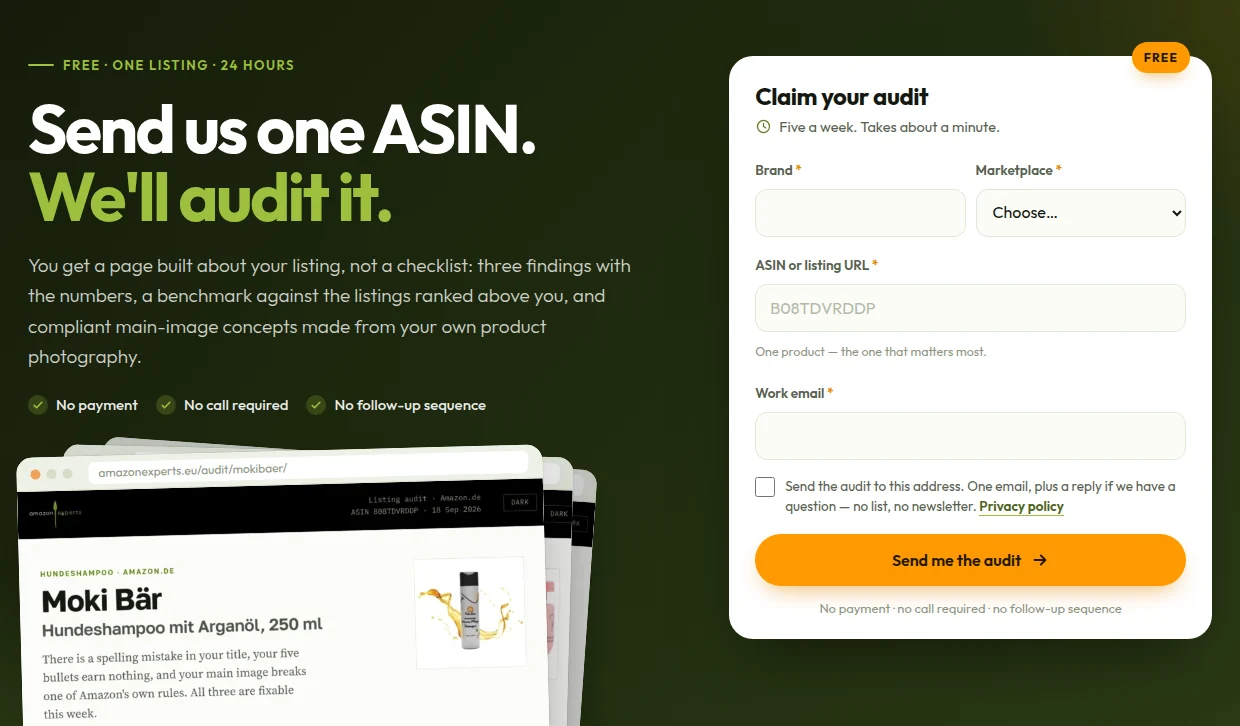
Which words deserve those 75 characters depends on what your category actually searches for, and that needs your listing's own data rather than a rule. Send us one ASIN and we will send back a real audit: three findings with the numbers behind them, a content benchmark against the listings ranked above you, and main-image concepts built from your own photography.