Every free checker tests the background and stops there. This one measures the product: how much of the frame it fills against Amazon's 85% minimum, how much of the square is product rather than air, and how many pixels wide it renders in a phone search result — which is the number that actually decides whether anyone clicks you instead of the listing beside you.
Runs entirely in this tab. Your images are decoded and measured here in your browser and are never uploaded. If you ask for the PDF report at the end, it is built here too: we receive the measurements (how many images, how many failed, the median fill), and the PDF passes through our mail server only to reach your inbox. We do not keep a copy.
We look up the listing; your browser then loads its main image from Amazon and measures it here. Or drop your own files below.
Drop your main images here, or click to choose
One or many. The square main image is the one this is built for — secondary images will still be measured, they just are not held to the white-background rule.
JPEG · PNG · WEBP · GIF · up to 40 files · nothing is uploaded
Each image drawn at the size it occupies in a 186 px phone search tile, next to the same tile filled to Amazon's 85% minimum.
Longest side of the product box, as a share of the frame. The line is Amazon's published minimum.
Worst first. The solid box is everything non-white in the frame; the dashed box is the product's main mass.
Bounding box — all non-white contentMain mass — 97% of the product pixels
Everything above is yours already — nothing is held back. The form adds a one-page PDF report: every image with its fill, how wide it renders in a phone search tile and its background, worst first, then the fixes in the order to make them. It downloads now and a copy lands in your inbox, ready to forward to your designer or photographer.
Why the background check is the easy half
Amazon main image requirements · pure white RGB 255,255,255 · product fills 85% or more of the frame · 1000px on the longest side for zoom · checked September 2026
Free image checkers all do the same three things: test the background, read the file header, look for text. They are useful and they are not enough, because a compliant image and a competitive image are not the same image. An image can be perfectly white, perfectly sized, perfectly legal, and still be the smallest thing on the page.
Amazon's own guidance says the product should fill 85% or more of the frame. That number is not a style preference. It exists because the search grid renders your square at roughly the width of a thumbnail, and every percentage point of empty margin is a percentage point of product the shopper cannot see. On a phone the whole decision happens inside about 186 pixels.
The failure is almost never dramatic. It is a product shot at 62% of the frame because the photographer left breathing room, sitting beside a competitor at 88%. Nobody flags it. Nothing gets suppressed. You simply get clicked less, for the whole life of the listing.
What this measures that the others do not
The longest side of the product's bounding box as a share of the frame — the measurement Amazon's 85% guidance is actually written against. Reported per image, with the box drawn on the picture so you can see what was measured.
How much of the square is product rather than air. Two images can both hit 85% fill and one of them can be half the visual weight of the other. Ink is the number that matches what your eye does in a grid.
Your bounding-box width translated into pixels in a phone search tile. It turns an abstract percentage into the thing you can compare directly against the listing ranked above you.
The same checks we run on client accounts. No sign-up, nothing to install.
 AI-generatedimage-01.jpg taggedAI taggingTag AI-generated people in your images before you upload.UKDEFRITESNLSEPLEU compliance checkerWhich registrations you need for each EU country.Stolen from the Giants NewThe swipe file: 447 real listing images from best-selling beauty brands on Amazon US, sorted by what each image does.
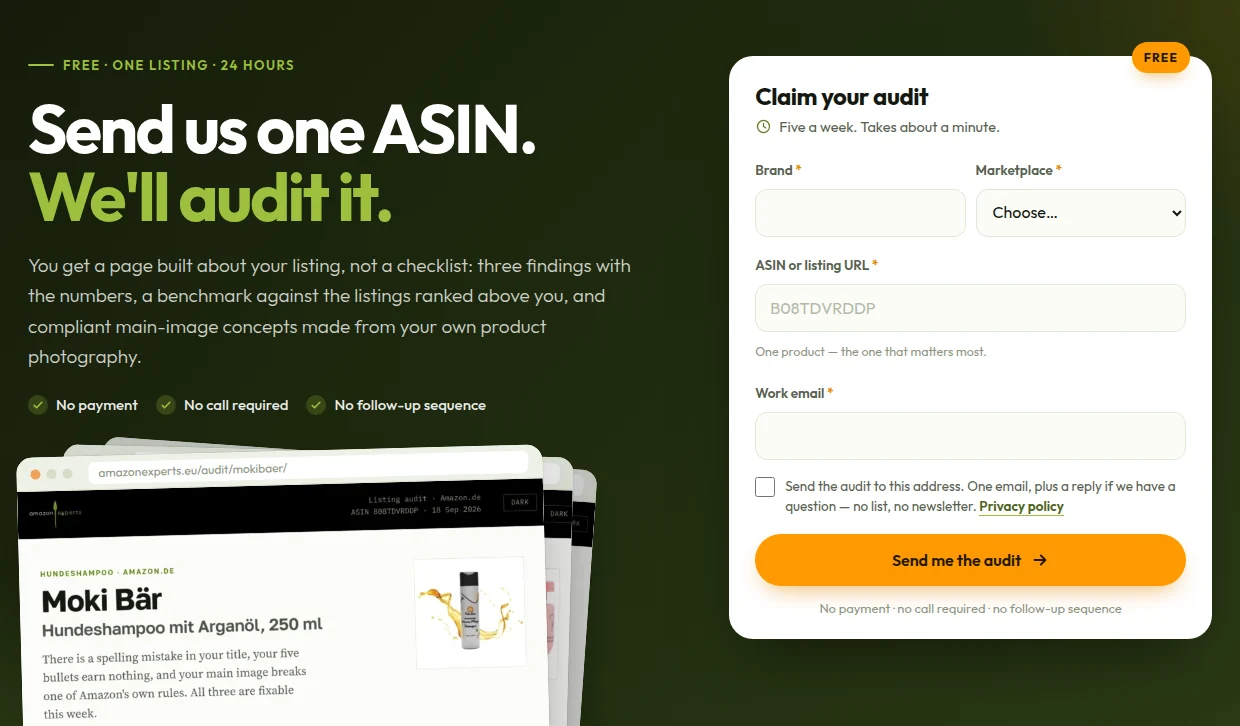
The other half is what to put in the frame — which angle, which contents shot, which on-pack term answers the question your category actually asks. That needs your listing's own search data and your own photography, not a measurement. Send us one ASIN and we will send back a real audit: three findings with the numbers behind them, a content benchmark against the listings ranked above you, and main-image concepts built from your own images.