If you’re building a DTC brand on Shopify, you’ve probably noticed how crowded the market is becoming. This is why many founders start looking at the next step: expanding from Shopify to Amazon.
Amazon is currently the largest e-commerce platform in the U.S., with over 310 million global customers and more than 2.5 billion monthly visits, meaning you get access to hundreds of millions of shoppers who come with the intent to buy, not just browse.
You’re not leaving Shopify behind. You’re simply opening a new sales channel that brings more visibility, stronger trust, and a steady stream of buyers.
In the next 90 days, you can launch your products on Amazon and build a solid foundation there. I’ll walk you through each step in a simple and practical way. No long theories. No confusing jargon. Just clear actions you can take right away.
Think of Amazon as a door to a much larger audience. And this playbook will help you open that door the right way.
Ready to get started? Let’s dive in.
PHASE 1 (Day 1-30): Foundation & Product Readiness
This phase is all about building a strong base before you launch. Think of it as setting up the ground so everything becomes smoother later.
Market Validation & Product Assessment
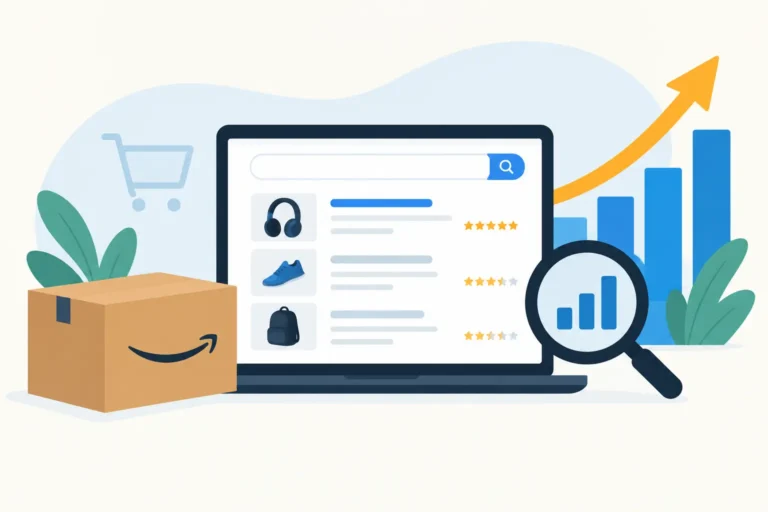
Start by checking if your product truly has demand. Go to Amazon and type in your main keyword. Look at the top results and notice the price range, review count, and the benefits other sellers highlight. This gives you a quick idea of what customers expect.
Source: Helium10
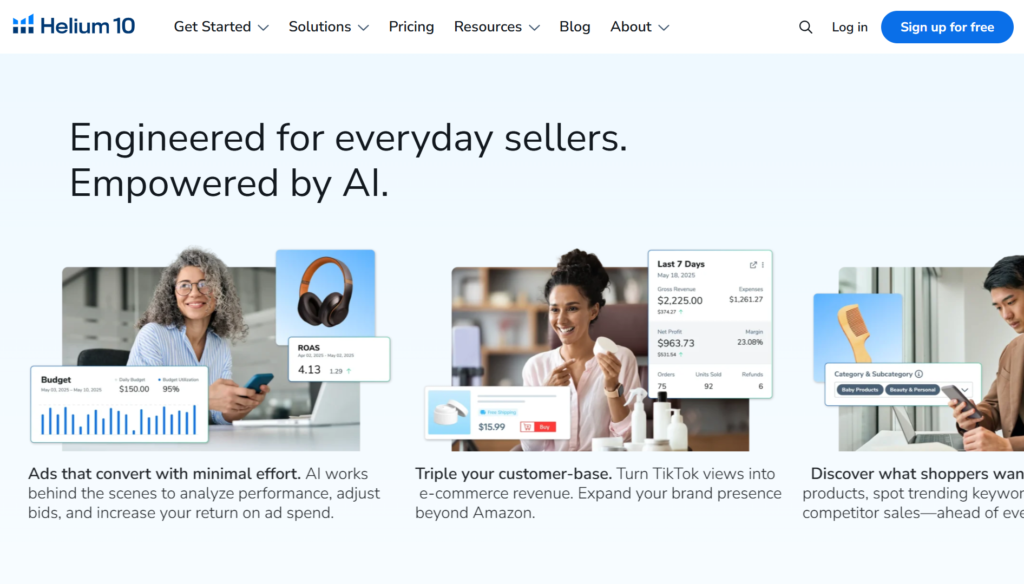
After that, open Helium10 or Jungle Scout to confirm the numbers. Focus on two things: search volume and competition. If search volume is stable and the market isn’t overcrowded, you’re in a good place. While researching, think about what makes your product stand out. It might be a better design, clearer benefits, or better packaging. These small differences can become your unique selling points.
Compliance & Account Preparation
Once you feel confident in the product, prepare your Seller Central account. You’ll need an ID, a bank statement, a credit card, and a matching address. Make sure all details are consistent. Amazon is strict about verification, so clean documents will save you a lot of time.
Before you even think about selling, you need to know if your product falls into a restricted category. Some categories, like electronics, baby products, and cosmetics, often require additional certifications.
You should do three things:
- Check “Product Compliance” on Seller Central.
- Ask the supplier about the certifications they have.
- Determine if additional lab testing is needed.
Do this early to avoid Amazon rejecting your listing immediately after uploading.
If you have a trademark, start registering it with the Brand Registry. If not, you can still sell, but you’ll want to upgrade later to unlock A+ Content and protect your listing.
Listing Content Preparation
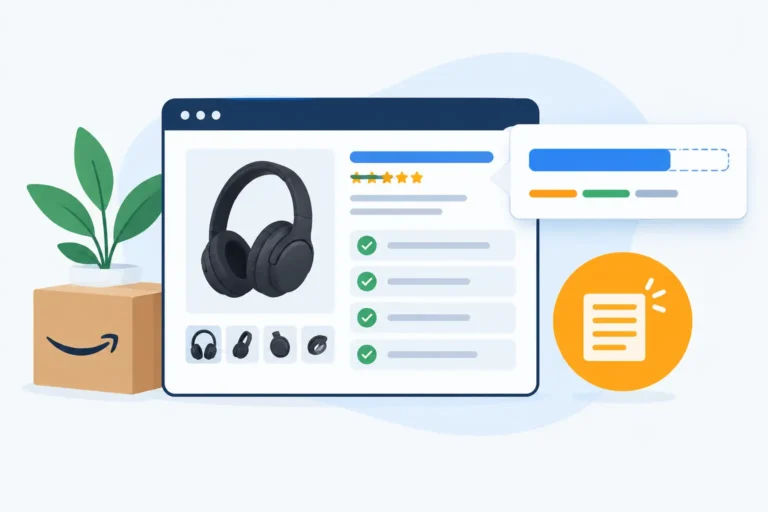
This is the part you should invest in carefully. Good listings help increase CTR, increase conversions, and reduce ad costs.
Prepare Titles: Write 3-5 different versions. Each version should have the main keyword and a key benefit. Avoid writing too long. Buyers like clarity.
5 Bullet Points: You should write using the formula Benefit → Feature → Result. Example: “Create a cozy bedtime vibe, warm LED lighting, helps you relax after a long day.” Short and easy-to-read sentences will help customers feel that you understand their needs.
Description & A+ Outline: You may not upload A+ immediately, but prepare the content structure beforehand. A simple file with 3 parts: main benefit, how to use, and the feeling the product provides.
Keywords: Use Helium10 to compile a list of keywords. Choose keywords with medium to high search volume. Don’t stuff keywords; use them naturally.
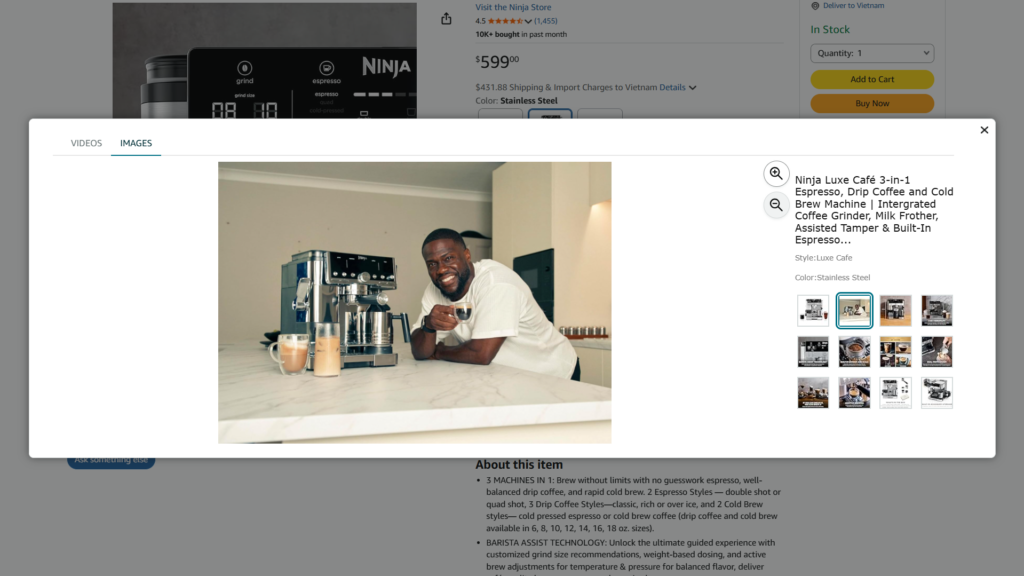
Source: Amazon
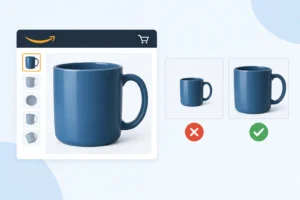
Concept Images: You don’t need to take actual photos at this stage. Just prepare an outline for the photo set:
- 1 clean and strong cover photo.
- 3 lifestyle photos.
- 1 infographic photo.
- 1 size guide photo.
This list will help you work more easily with the designer or photographer.
Inventory Strategy & FBA/FBM
Finally, plan your inventory. Calculate how much stock you need for the first 30–60 days. A simple way is to estimate your expected daily sales and multiply by 1.5 so you have some buffer. Running out of stock early hurts your ranking, so staying prepared is important.
Choose between FBA and FBM. FBA is better if the product is small, lightweight, and you want fast shipping and strong Buy Box potential. FBM works better for bulky items or lower-margin products. No matter which model you choose, set a refill plan. When your inventory drops to around 25-30%, it’s time to reorder. Keeping stock healthy is one of the easiest ways to keep your performance stable.
PHASE 2 (Day 31-60): Launch & Optimization
This phase focuses on launching your Amazon presence and tightening early performance signals.
Launch Strategy
Now that your foundations are ready, it’s time to launch your product the right way. Start with a clean and simple approach. Publish your listing, activate your PPC campaigns, and make sure your inventory is checked in. During this stage, your goal is visibility. You want Amazon to understand your product and start testing it with shoppers.
If you’re moving from Shopify to Amazon, expect the algorithm to behave differently. Amazon rewards sales speed, not branding. So focus on driving early conversions. Use your email list, social media, and any warm audience you already have from Shopify. Send them to your Amazon listing. Keep your messaging short, clear, and benefit-driven.
PPC Optimization & Conversion Testing
Once your listing is live, you enter the important part: optimization. Start with automatic campaigns to gather data. Let them run for a few days. After that, check your search terms. Move good keywords into manual campaigns. Keep the bids simple. You don’t need aggressive tactics in the beginning. Instead, control your spending and learn from the data. Test different main images. Try a shorter title. Adjust your bullet points.
Small changes can help your conversion rate. The Shopify to Amazon transition often surprises sellers because traffic is colder, so conversion relies heavily on clarity. Follow the data, and make updates every 3–5 days.
Customer Experience Management
Great customer experience boosts your organic ranking faster than ads. Check your messages daily. Reply to buyers quickly. Keep your tone friendly and helpful. Monitor your reviews and pay attention to early feedback. If customers mention confusing packaging or missing parts, fix it right away. Add an insert card that guides buyers on how to use the product. Make the steps simple. It helps reduce returns.
When moving from Shopify to Amazon, remember you no longer control the checkout flow. Good support becomes a key advantage.
Inventory Refill & Operational Adjustment
By week six, you should have enough data to manage restocking. Look at your daily sales. Check your FBA receiving times. Refill inventory before you drop below 20-25 days of stock. Smooth inventory flow is critical during the Shopify to Amazon shift because stockouts hurt ranking.
Review your packaging size, shipping costs, and prep needs. Make small adjustments to save on fees. This stage is all about staying stable while you scale.
PHASE 3 (Day 61-90): Scaling & Shopify-Amazon Integration
As your listing stabilizes and your early data becomes clearer, this is the perfect moment to shift from maintaining momentum to actually growing your catalog.
Expanding Variations & Product Line
By this stage, you already understand how your product performs on Amazon. Now it’s time to scale. Start by reviewing your top customer questions and early reviews. They often hint at the next variation shoppers want. It could be a new size, a new color, or a bundle. Keep it simple. Launch only what you can support with stable inventory.
Amazon rewards brands that expand slowly but consistently. If your main product is gaining traction, consider building a small product line around it. This step helps you stand out during your Shopify to Amazon transition, because Amazon shoppers love variety and clear options.
Scaling PPC & External Traffic
When you move to scaling, go back to your PPC data. Increase bids on keywords with strong conversion. Add Sponsored Brands or Sponsored Display to boost brand visibility. Keep your structure clean. Don’t overcomplicate it. Scaling is about doubling what works, not testing everything at once. At this point, you can also bring in external traffic.
Use your email list, social channels, or even a simple TikTok video. You already have an advantage if you came from Shopify. Your warm audience can help you climb Amazon’s search results faster. Keep your tracking simple, so you know which traffic source converts best.
Shopify to Amazon Integration
This is where both platforms start working together. Connect your Amazon and Shopify analytics so you can track behavior across channels. Sync your branding. Make sure your tone, visuals, and offers feel consistent. Add Amazon links to your Shopify site for customers who prefer Prime shipping.
You can also redirect out-of-stock Shopify items to Amazon to avoid losing sales. This step is the heart of the Shopify to Amazon strategy. You’re no longer treating Amazon as a separate channel. You’re building an ecosystem where each platform supports the other.
Analytics & Omnichannel Optimization
Patterns begin to emerge after 60 days of data. Check your conversion rate, profit margins, and repeat purchasing behavior. Determine the keywords that get the most sales. Monitor drop-off points of customers.
Apply all this knowledge to boost your overall performance: PPC, pictures, price, and even packaging. When something does not work, adjust it accordingly.
Omnichannel selling is a matter of harmony. You would like to make the Shopify and Amazon experience seamless and integrated. Continue improving this over time. It is the simplest means of climbing up the ladder without overspending your budget.
Conclusion
The decision to expand to Amazon is a strategic move for any DTC brand pursuing sustainable growth. Through this 90-day playbook, you have established a good framework, started strong, and produced a system that can enable both platforms to work together. The strategy is not about giving up on Shopify. It is about extending your presence and getting to the customers where they like to shop.
With a healthy inventory, consistent brand experience on both Shopify and Amazon, you can create a potent flywheel: increased visibility, increased trust, and consistent sales momentum. Continue focusing on what works, stay close to your customers, and use data to guide your next decisions.
FAQs
Why does a DTC brand need to expand from Shopify to Amazon?
Since Amazon provides you with a wider audience of buyers, greater credibility, and quicker sales, Shopify shapes your brand, whereas Amazon maximizes the sales.
What should I do to expand from Shopify to Amazon?
You should prove the demand in the market, create your Seller Central account, create optimized listing materials (titles, bullets, images), and plan inventory in the first 30–60 days.
Is Amazon PPC more challenging than running ads on Shopify?
Not harder, just different. Amazon is dependent on keywords and sales velocity, hence begin with automatic campaigns, collect the information, and transition to the manual campaigns to raise the efficiency and reduce costs.