Big sales periods on Amazon mean big money, but they can also quickly expose poor inventory planning. Stockouts during major events like Prime Day or the holiday season can hurt your product rank, hurt visibility, and drive buyers to competitors. Many Amazon sellers underestimate how fast inventory moves when demand kicks in. This guide will teach you some practical ways to avoid stockouts and keep your listings alive during peak sales periods.
Stockouts can be very dangerous for Amazon sellers
Stockouts are a much bigger problem than just lost sales on Amazon. Research reveals that stockouts rate costs retailers around 4% of annual revenue, especially during high-demand shopping periods.
Lost Revenue in Peak Times
Demand can rise faster than you might think during peak selling periods. And when your inventory runs out, customers will immediately buy from other sellers, not wait for you to restock. For every hour your listing is not available, you are losing money and the opportunity to catch new buyers.
Negative Impact on Amazon Rankings
Amazon’s algorithm likes listings with consistent sales velocity and consistent availability. Sales decline when a product go stockouts, and organic rankings often drop as a result. And even when the inventory comes back, it can take weeks to recover those positions.
Buy Box Loss
Inventory instability can harm seller performance metrics. Amazon can move the Buy Box to a seller with better stock management when it finds fulfilment issues or problems with stock.
Sustained Erosion of Customer Confidence
Stockouts frustrate customers and damage your brand image. Many shoppers will change to a different brand and never come back for future purchases.
Predict demand before the peak season
Good demand forecasting helps Amazon sellers avoid stockouts when business starts picking up.
Review Historical Sales Data
Last year’s sales data can help you understand the changes in demand during the peak seasons. Analyse sales trends for the month and week to find out seasonal trends and when there is a typical uptick in demand. Keep an eye on your best sellers, as they will likely be your biggest sales contributors in the busy season.
Look at inventory turnover, stockout rates and spikes in sales to avoid making the same mistakes. Don’t forget to place new purchase orders for products that sold out too quickly last time.
Watch the market trends and your competitors
Real-time market research should be included in the demand forecasting process. Monitor the market, customer behavior, and competitors throughout the season. Keep an eye on competitor pricing, promotions and stock levels to understand how the market is moving. When competitors run low on stock, demand can be pulled to your offerings.
Use Amazon Inventory Forecasting Tool
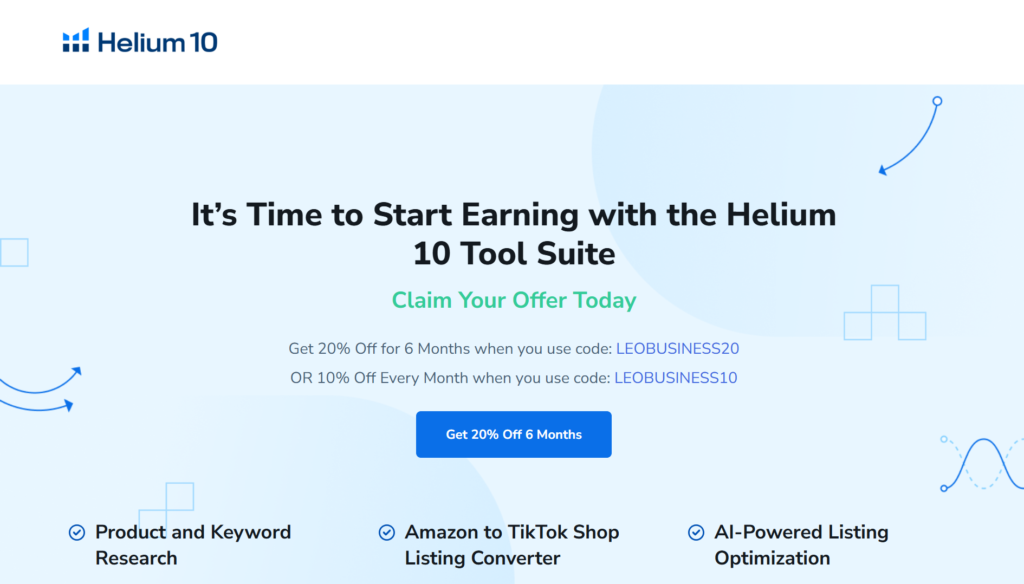
Tools like Helium 10, Jungle Scout, and SoStocked are available to help sellers make more accurate estimates of future demand. They provide sales forecasts, reorder alerts, and inventory tracking data.
Strengthen Supplier & Manufacturing Collaboration
Good supplier coordination can reduce delays, improve the flow of inventory and make your entire supply chain more stable.
Work with trustworthy suppliers
A good supplier is one that consistently avoids delays and operational issues. When looking for a supplier, check their delivery record. Do they always meet deadlines? If the product is late, the entire production process might be delayed and it can affect customer satisfaction.
A supplier who can provide timely and informative updates makes day-to-day work so much easier. Good communication helps solve problems faster and keeps production running smoothly.
Diversify Your Supply Chain
Dependence on a single supplier is a risk. If that supplier has a problem with production or delays in shipping, your business could feel it right away. The presence of back-up suppliers provides more flexibility and helps maintain the stability of the inventory in case of unforeseen occurrences.
Improve Amazon FBA inventory management
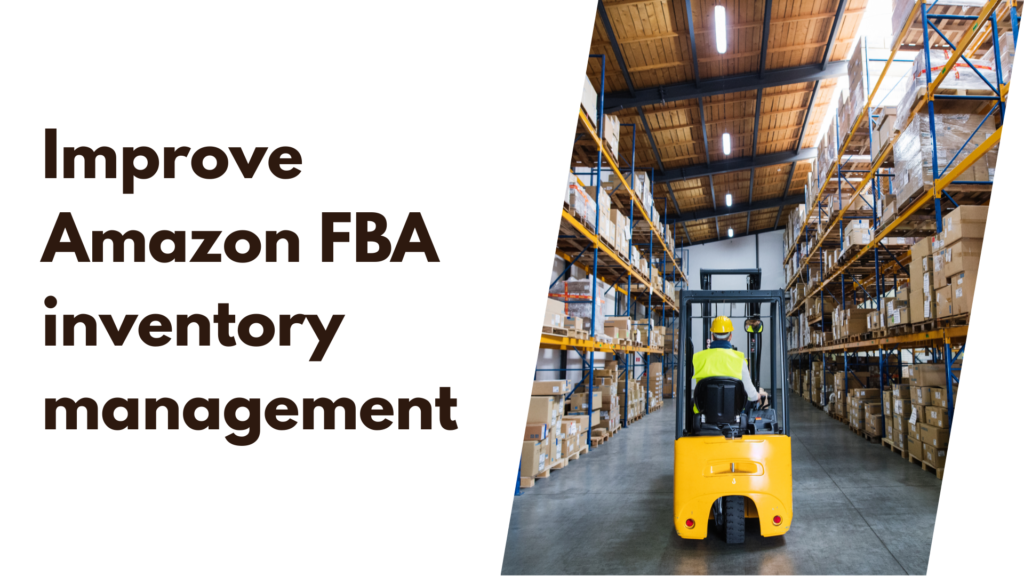
Managing your FBA inventory is more than just getting your products shipped. You have to play by Amazon’s rules and beat the clock, too.
Send Inventory to Amazon Early
Amazon warehouses get swamped during peak seasons and there are huge delays in receiving. Don’t wait for the crush. Get your stock to their centers 4-6 weeks before a major event if you can. That buffer makes sure your items are checked in and “Active” before the buying frenzy starts.
FBA Inventory Limits Monitoring
Watch out for your restock limits and storage capacity limits. Amazon changes these often based on warehouse space. Check your dashboard weekly so you don’t get hit with surprise caps that will prevent you from sending in more profitable inventory.
Capitalise on Inventory Performance Index (IPI)
Your IPI score determines your storage limits. If your score drops, Amazon may limit your space or charge you high fees. To improve it: Get rid of slow-moving excess inventory and work on increasing your sell-through rate. Clean up your “stranded” inventory right away, to keep your account healthy and your limits high.
Develop a Multi-Channel Fulfilment Strategy
Don’t rely on just one shipping method. You want a back-up plan to keep your orders flowing regardless of what happens at the warehouse.
FBA & FBM
Use Fulfilment by Amazon (FBA) for speed and Fulfilment by Merchant (FBM) as a backup option. FBA delays or warehouse capacity limits? You can switch to FBM anytime. This means you’re never totally out-of-stock and keeps your listings active.
Use Third Party Logistics (3PL)
Peak season is brutal but a 3PL partner is the saving grace you need. They act as an additional logistics layer, storing your surplus stock and offering Amazon centers quicker restocking. When FBA is busy, your 3PL can pick up the slack and ship directly to customers.
Allow Amazon Multi-Channel Fulfilment
If you sell on Shopify or eBay, sync your inventory with Amazon Multi-Channel Fulfilment (MCF). It makes it all easier by drawing from a single stock pool to fill orders for all your platforms.
Real time inventory tracking
Inventory management is more than counting boxes, it is about knowing the health of your business at that moment. To maintain healthy cash flow, you need to turn data into action.
Daily Sell-Through Rate Monitoring
Don’t wait for end-of-month reports to see what’s happening. Track your sales velocity daily to see which items are moving quickly and which are just sitting in the back. Tracking this daily will let you spot inventory risks early to run promotions or change your strategy before capital is tied up in dead stock.
Set Up Automated Inventory Alerts
Quit using memory or messy spreadsheets. Set up low-stock alerts to be notified when a product hits a critical level. Automated reorder point notifications will help you restock at the right time, so you can keep your shop running without the hassle of manual tracking.
Use Inventory Management Software
Selling across multiple channels? You need the pro tools. Software such as Skubana, RestockPro or InventoryLab syncs your data in real time. These platforms eliminate human error and give you precise control to grow your business efficiently.
Develop a Peak Season Inventory Plan
Success in the peak seasons comes down to what you do months in advance. When the rush comes, you don’t have time to react. You have to lead it.
Get Ready for Prime Day and Q4
Begin planning at least 2 to 4 months before the major events. Plan your shipping schedule carefully to account for factory lead times and port delays. If you get your goods into the warehouse early you don’t miss the window when traffic spikes.
Run Scenario Planning
Brace yourself for the extremes. Calculate your stock needs for a best-case surge in demand, so you don’t leave money on the table. At the same time, develop a plan for worst-case supply chain disruptions. Knowing your “Plan B” helps you stay composed when unexpected delays occur.
Develop a Replenishment Schedule
End the monthly restock routine and consider switching to weekly replenishment during peak periods. Smaller, more frequent shipments keep your inventory fresh and lower the risk of stocking out. Keep levels under weekly observation so you can adjust orders rapidly and avoid the nightmare of late resupply.
Conclusion
Stockouts during peak sales can hurt more than just short-term revenue. This can lead customers to lose faith in your store, and it often takes time to get back lost Amazon rankings. That’s why sellers need to get ahead of the curve before demand picks up. Even a short delay in restocking, during periods of high traffic, can quickly result in lost sales.
By managing inventory, your business can keep a steady flow during peak periods, and your customers will have a smoother buying experience.
1. Why do Amazon stockouts happen during peak sales periods?
Amazon stockouts usually happen because sellers underestimate demand, delay inventory replenishment, or face supply chain disruptions. During peak seasons like Prime Day, Black Friday, or holidays, sales can increase rapidly, making accurate demand forecasting and inventory planning essential.
2. How can sellers prevent Amazon stockouts during high-demand seasons?
To avoid Amazon stockouts, sellers should monitor inventory levels closely, forecast demand using historical sales data, maintain safety stock, and restock products early. Using Amazon inventory management tools and working with reliable suppliers can also reduce the risk of running out of stock.
3. What are the consequences of stockouts on Amazon?
Amazon stockouts can lead to lost sales, lower product rankings, reduced Buy Box ownership, and decreased customer trust. Frequent stock shortages may also hurt long-term account performance, making proactive inventory management critical for maintaining steady revenue growth.