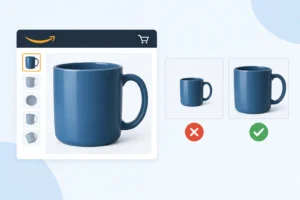
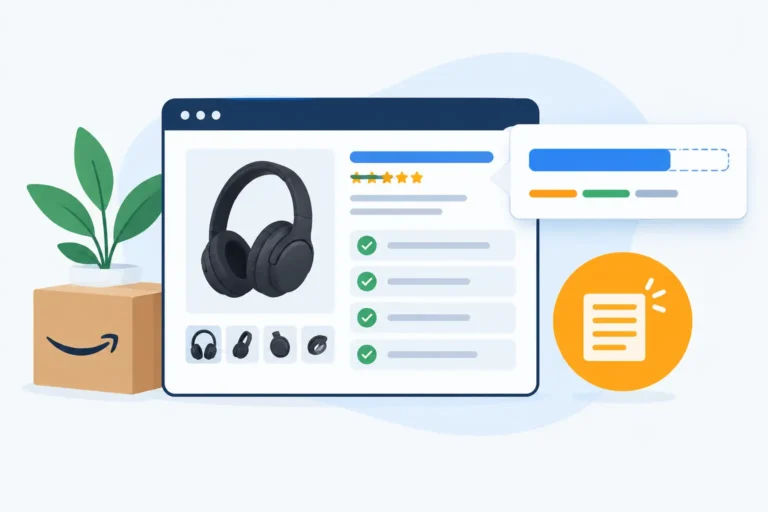
If you’ve ever swapped your Amazon main image and nervously waited to see whether your CTR goes up or tanks… well, trust me, you’re not alone. I used to think A/B testing images was as simple as “change it and wait,” but it turns out there are way more moving parts than we expect. Seasonality shifts, buyer behavior changes, and sometimes your competitor randomly drops their price, ruining your entire test overnight.
In this article, I want to walk you through how to safely A/B test your main images, so you get reliable results without accidentally hurting your listing. We’ll cover image variations, how seasonality can skew your data, and why competition can quietly sabotage your test if you’re not paying attention.
Sounds like a lot, but don’t worry, I’ll explain it in a way that actually makes sense from a seller’s perspective.
Why Main Images Impact Performance So Strongly
Main images aren’t just photos; they’re the split-second decision-maker. When shoppers scroll through Amazon, they don’t read your title or compare your bullets. They react visually, and your main image is the one thing that can stop (or fail to stop) that scroll.
You’ve probably skipped plenty of listings simply because the image didn’t catch your eye. Everyone does. That’s why even small improvements, brighter lighting, a cleaner silhouette, or a stronger angle, can boost CTR more than any keyword tweak.
Safe Framework for A/B Testing Main Images
Here’s the framework I always lean on when testing main images: simple, safe, and won’t tank your performance. Let’s break it down.
When You SHOULD Test
Test when your listing is stable: ranking isn’t fluctuating, CTR is steady, and traffic volume is enough to generate meaningful data. Test when changes can actually impact performance, like adjusting the angle, changing the background, adding/removing props, or making the image more eye-catching. If you look at the new draft and think, “This could grab more attention,” it’s time to test.
When You SHOULD NOT Test

Avoid testing during sensitive periods, such as Black Friday, Prime Day, holidays, or when competitors are running heavy promotions that affect the market. Don’t test when your listing is losing traffic, as the data will be skewed. Also, skip tests if the changes are too subtle; if viewers barely notice, you’re wasting valuable traffic.
How to Set Up a Safe Test
- Test only one change at a time, for example: angle, background, or props. Never test multiple elements at once; you won’t know which factor drives results.
- Prepare control and test images: Name them clearly (e.g., Main-Image-Control and Main-Image-Test-A) for easy rollback.
- Start testing during stable traffic periods: Avoid sales spikes, weekends with unusual traffic, or times when traffic is trending up or down.
- Run the test for 7-14 days: Enough time to smooth out daily fluctuations. Low traffic → ~14 days; high traffic → 7-10 days.
- Monitor CTR and sessions closely: If CTR drops >15% within 24-48 hours, stop the test. If sessions drop significantly, the new image may be unattractive.
- Rollback immediately if the test fails: Restore the Control image to stabilize CTR and ranking. Don’t wait too long.
- Decide based on data: Compare CTR, sessions, and conversions. Choose the image with the best performance over the test period.
Choosing the Right Variations to Test
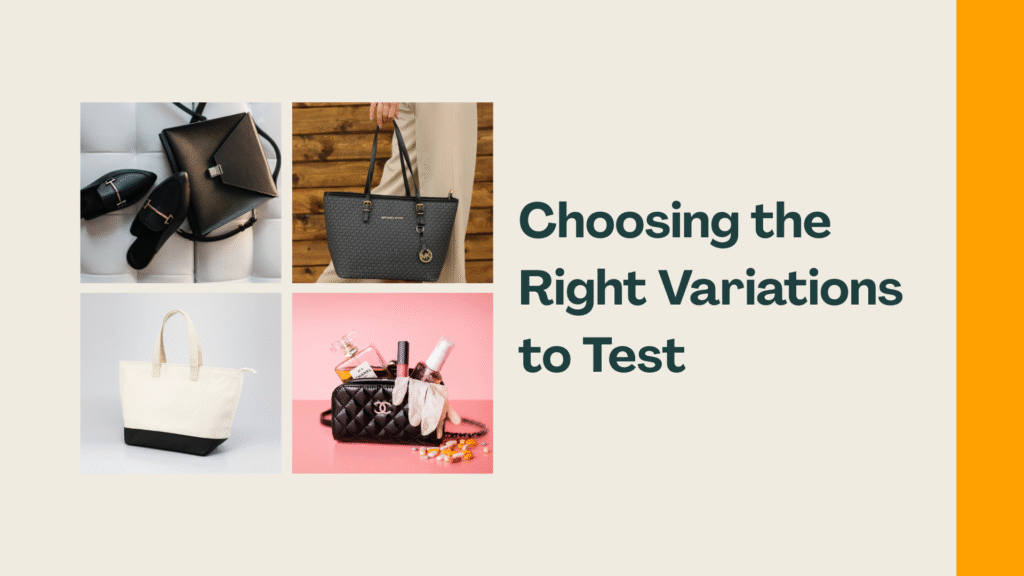
Choosing what to test is not a random process. Not all changes are important; therefore, concentrate on those that will influence customers’ decisions.
Product Angles & Composition
Experiment with the arrangement or sequence of features of your product images. Place the hottest aspect first, or the best shot of the product first. Minor layout changes may increase CTR. It is also miraculous, with short, straightforward headlines that highlight the key benefits.
Packaging vs Product Focus
Choose what to emphasize: the product or packaging. I often test both. One picture is of the product, the other is of the packaging. In this manner, you can notice what catches the eye at first. Also, it is important to experiment with angles; sometimes the smallest change in position can cause the shot to pop.
Color Variations & Style
Experiment with colors or image styles. Light vs dark backgrounds. Risky accents to make the product stand out. Different color treatments can evoke different emotions, so see which style resonates most with your audience.
Technical Enhancements
Refine sharpness and quality, or experiment with other formats, such as 3D shots. Even the slightest adjustments can be used to make images look more authentic. Crystal-clear product images depict the product to customers, enabling them to visualize how to use it.
Compliance Checks
Do not omit ad and brand compliance. A variation may be good but violate the rules, and this is not good for your brand. I always double-check content and images before running tests. A mere checklist will ensure that everything is safe and within the confines of the law.
| IMPORTANT: Always prioritize variations that are likely to influence customer decisions while staying fully compliant with platform rules and brand guidelines. |
Seasonality: How Timing Can Break Your Test
Timing can make or break your A/B test. Seasonal swings, holidays, and weather can skew results if you’re not careful. I’ve personally seen tests “fail” just because they ran a week too early. Let’s go over what to watch for so your results tell the real story.
Seasonal Demand Patterns
Sales often fluctuate through the year, think fitness gear in January or sunscreen in summer. I usually map out these cycles before testing; it saves a lot of headaches. Ask yourself: Is this week representative, or just a temporary spike? Spotting patterns early is key.
Holiday Distortion
Big holidays like Black Friday or Christmas can temporarily inflate clicks and conversions. I generally avoid testing during these periods unless I’m specifically measuring holiday campaigns. Have you noticed spikes during holidays? That’s exactly why timing matters.
Weather-Driven Products
Weather can seriously swing product performance; umbrellas sell more in rain, jackets in cold snaps. I check local trends before running tests on these items.
Best Timing Rules
Run tests during stable periods with predictable demand. Avoid major holidays, sudden promotions, or extreme weather events. From my experience, calm weeks give the clearest insights. Remember, even the best variation won’t show results if the timing is off.
Competition Effects on Your A/B Test
Ever notice how your A/B test results sometimes seem… off? One hidden culprit could be your competitors. When multiple sellers push similar products, promotions, or keywords simultaneously, your test may not reflect true performance.
Even small changes in a competitor’s listing or pricing can sway your traffic and conversions, making your “winning” variation look weaker than it actually is. So, keep an eye on what others are doing during your test period; sometimes pausing or adjusting timing can save a lot of guesswork.
Competitor Image Changes
Ever notice how your competitors’ product images suddenly look fresher or more appealing? These subtle shifts can actually influence buyer perception more than you think.
Price Drops & Deals
When competitors lower prices or run flashy promotions, it doesn’t just hit their sales; it changes buyer behavior across the board. Even if your price stays steady, your conversions might dip. Keep an eye on these moves; they can subtly bias your test results without you realizing it.
Market Saturation Shift
More products popping up in the same category? That saturation can reduce attention on your listings, even if your images are perfect. Understanding shifts in product density helps you contextualize dips in clicks or engagement. Have you felt the squeeze lately in your market?
PPC Auctions Changing
Competitor ads and sponsored placements can suddenly spike your ad costs or steal clicks. A small tweak in their campaign can affect your visibility dramatically. Always factor in auction dynamics when interpreting A/B test outcomes; sometimes the issue isn’t your image at all.
How to Run A/B Tests Correctly
Running A/B tests might seem straightforward: swap an image, wait for results, but trust me, there’s a bit more finesse involved. Following the right steps ensures you make informed decisions instead of just guessing.
Manage Your Experiments (MYE)
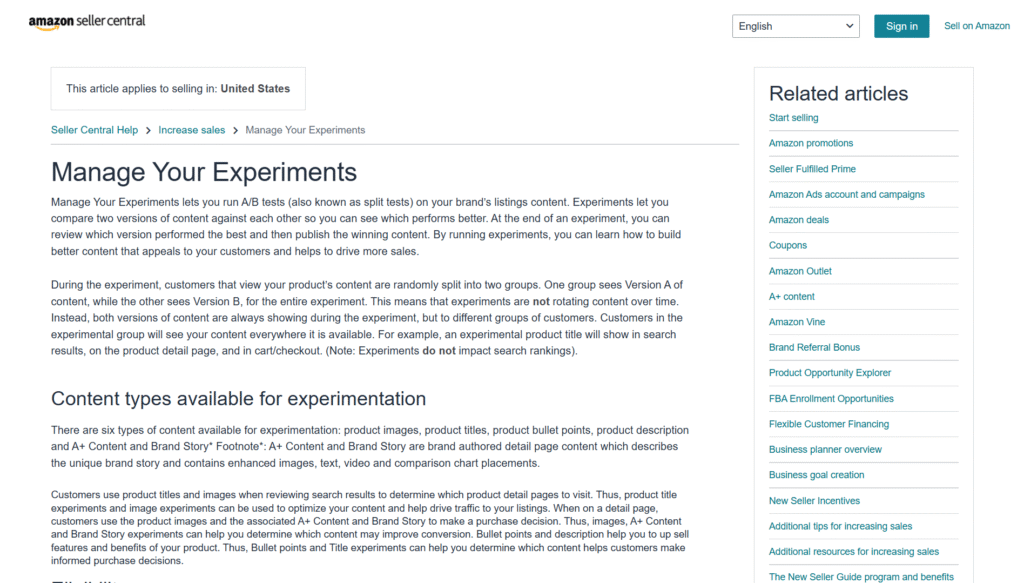
Source: Amazon Seller Central
Amazon’s Manage Your Experiments (MYE) tool is honestly a lifesaver. It’s the official way to test product images, titles, or other content while keeping your listing stable. MYE evenly splits traffic and gives statistically valid results, so you can actually trust what you see. If you haven’t tried it yet, this is the safest starting point, you won’t risk your sales while learning what works.
Manual A/B Testing (Non-MYE)
Yes, you can do A/B testing manually, but it’s not for the faint of heart. You need a meticulous plan: rotate your images for set periods, track clicks, conversions, and sales daily, and be ready to revert changes quickly.
It offers more flexibility than MYE, and sometimes you uncover insights that MYE simply can’t provide. But here’s the catch: if traffic or timing isn’t consistent, bias sneaks in fast. So, only go down this route if you’re ready to be diligent.
Safe Stop-Loss Rules
Think of stop-loss rules as your safety harness. They prevent a test from tanking your revenue. For example, if a variation drops your CTR or sales beyond a certain threshold, you pull the plug immediately. This way, you can experiment boldly but without putting your listing’s health at risk. Personally, I see this as the ultimate “permission slip” to try creative strategies while keeping control.
Conclusion
A/B testing your main images on Amazon isn’t just about “changing and hoping for the best.” If you pay attention to variables like seasonality, competitive shifts, and image variations, you’ll see that data-driven decisions actually deliver results, higher CTRs, and better conversions. Personally, I find that careful observation often matters as much as the numbers, because the marketplace is always moving.
FAQs
What is the most appropriate time to A/B test the main images?
It is most appropriate when your listing is stable, CTR and ranking steady, and the traffic is high enough to produce reliable information. Avoid testing during holidays, major promotions, or periods of high market volatility.
Should I test two or more image changes simultaneously?
No. One element should be altered at a time, like angle, background, or props. Testing multiple changes simultaneously makes it impossible to know which factor caused the result.
What do I do to tell that my image test is breaking down and requiring a rollback?
Closely monitor CTR and session numbers. In case the CTR decreases by over 15% in 24-48 hours, or the number of sessions decreases sharply, terminate the test and immediately revert to the control image to safeguard the ranking and sales.
Is your main image too small to click?
Measure how much of the frame your product fills against Amazon’s 85% minimum, and how many pixels wide it renders in a phone search result. Free, no sign-up.
Check my main image →Need ideas for the rest of the gallery? See what the best-selling beauty brands show →